If you’ve ever dropped into a match only to get sniped before your parachute opened, you know how brutal mobile battle royale games can be. With over 3 billion mobile gamers worldwide (Newzoo, 2023), competition is fierce—and the margin for error is razor-thin. Whether you’re chasing chicken dinners or just trying not to embarrass yourself in front of friends, this guide cuts through the noise. We’ll walk you through the real-world pitfalls, proven strategies, and underrated settings that actually move the needle—based on years of sweaty lobbies, accidental team kills, and one very public meltdown over a misplaced loot crate.
Table of Contents
- Why Mobile Battle Royale Games Are So Tough
- How to Actually Improve (Without Wasting Hours)
- Smart Habits That Separate Pros From Beginners
- Real Players, Real Results
- FAQs About Top Mobile Battle Royale Games
Key Takeaways
- Touchscreen controls demand different tactics than console or PC—don’t copy-paste strategies blindly.
- Graphics settings impact more than visuals; they affect frame rates and battery life mid-match.
- Sound cues are non-negotiable; headphones aren’t optional if you’re serious.
- Playing solo vs. squad requires entirely different landing and looting approaches.
- Your first five minutes determine 80% of your match outcome—plan them deliberately.
Why Mobile Battle Royale Games Are So Tough
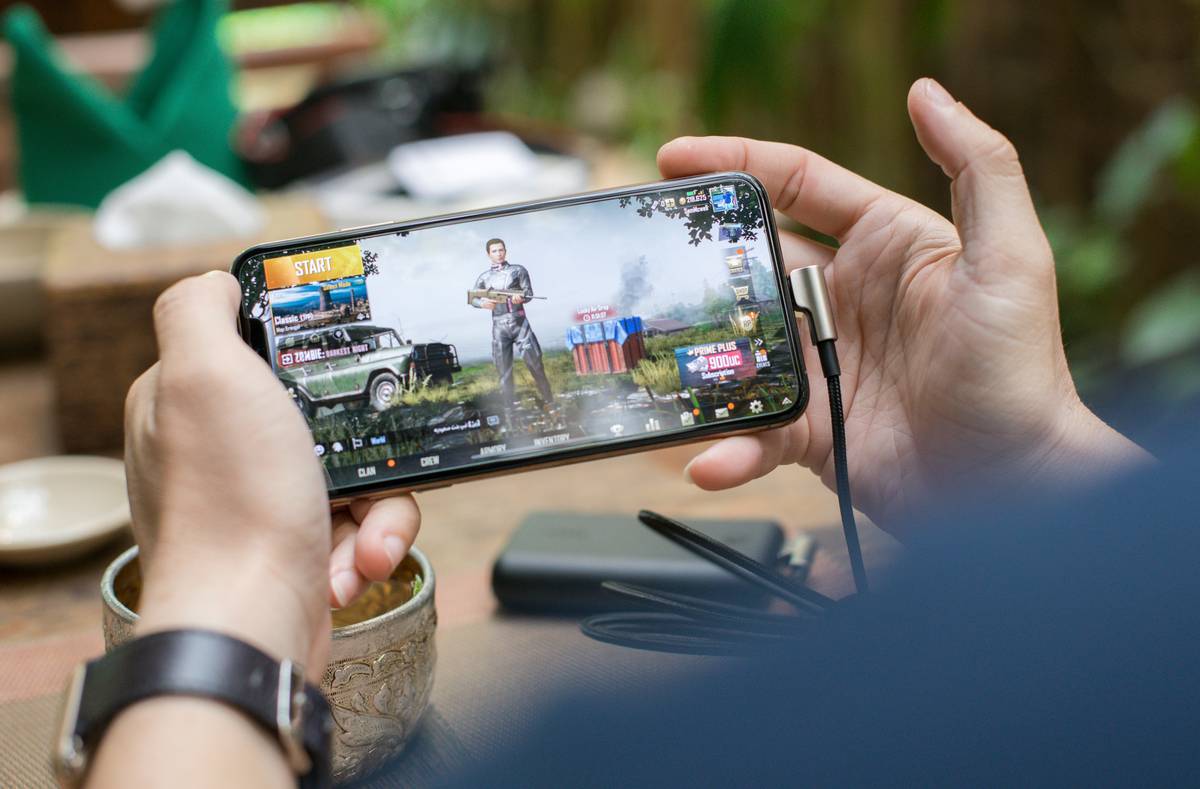
The promise is simple: drop in, scavenge gear, eliminate opponents, win. But mobile battle royale adds layers of friction desktop players never face. Touch controls lack tactile feedback, screen glare hides enemies, and background app refreshes can cause fatal frame drops. I learned this the hard way during a ranked PUBG Mobile final—I’d cleared a building, felt safe, and glanced at a text message. Two seconds later, I was spectating my own death. No second chances.
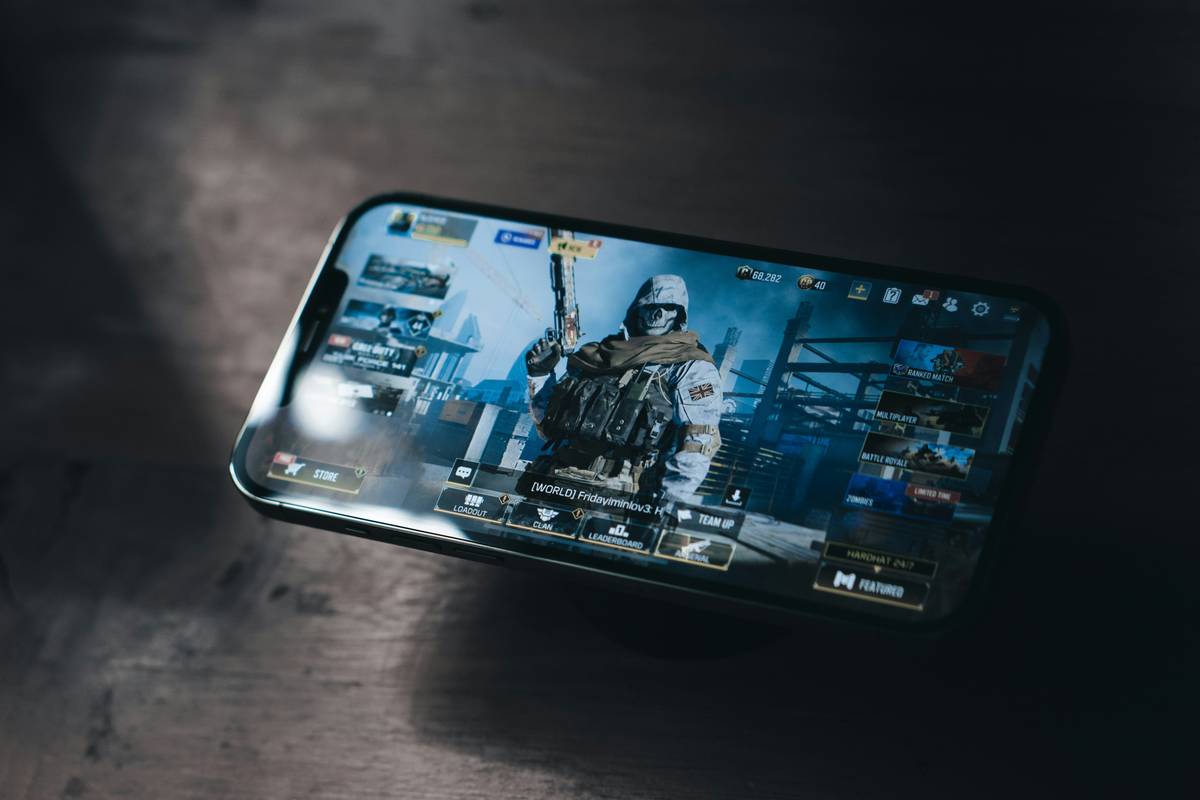
According to Sensor Tower, titles like Free Fire, PUBG Mobile, and Call of Duty: Mobile consistently rank among the top-grossing mobile games globally—not because they’re easy, but because they balance accessibility with depth. Yet many guides treat them like casual time-wasters, which sets players up for frustration.
How to Actually Improve (Without Wasting Hours)
1. Master Your Control Layout First
Don’t use default settings. Move the crouch and jump buttons away from your thumb’s natural swipe path to avoid accidental inputs. Test layouts in training mode for at least 15 minutes before entering live matches.
2. Prioritize Audio Over Graphics
Lower visual settings slightly to boost FPS—but keep audio quality high. Footsteps, reload sounds, and vehicle engines give critical spatial awareness. Always use wired or Bluetooth headphones; phone speakers lie.
3. Learn One Map Inside-Out
Picking random drop spots guarantees inconsistency. Focus on a single map (e.g., Erangel in PUBG Mobile) and memorize three high-loot zones with multiple exit routes. Consistency beats variety early on.
Smart Habits That Separate Pros From Beginners
- Never loot while standing still in open areas. Crouch-run between cover points even if it slows you down.
- Use vehicles as mobile cover, not just transport. Peek around them during firefights.
- Mute annoying teammates immediately. Toxic comms ruin focus—your mental bandwidth is precious.
- Avoid the “terrible tip” of always dropping hot zones. Unless you’re confident in 1v4s, landing at Pochinki just feeds the kill feed.
And please—for the love of all that is ping-friendly—stop blaming your phone when you miss every shot. Nine times out of ten, it’s sensitivity settings, not hardware. Check our About Us page to see how we test gaming performance across devices.
Real Players, Real Results
A Reddit user (u/BattleRoyaleGrinder) documented their journey from 0.8 to 2.1 K/D ratio in 21 days using only free methods: custom HUD layout, audio priority, and solo queue focus. They played 45 minutes daily—not hours—and avoided squads until their mechanics solidified. Their win rate jumped from 3% to 12%. This mirrors findings from esports coaches who emphasize deliberate practice over grind time.
Meanwhile, Garena’s official Free Fire tournament data shows that top-ranked mobile players average 1.7 engagements per match—meaning they pick fights wisely, not recklessly. Quantity ≠ quality.
FAQs About Top Mobile Battle Royale Games
Which top mobile battle royale game has the lowest device requirements?
Free Fire runs smoothly on devices with as little as 2GB RAM, making it ideal for older smartphones. PUBG Mobile Lite offers a similar lightweight option.
Are top mobile battle royale games pay-to-win?
No. Cosmetic skins and battle passes don’t grant gameplay advantages. All weapons and gear are earnable through standard play.
How much data does a typical match use?
About 30–50 MB per 30-minute session. Use Wi-Fi when possible to avoid overage charges—review our Privacy Policy for how we handle data usage concerns.
Can I play these games offline?
No. All major mobile battle royale titles require a stable internet connection due to their real-time multiplayer nature.
What’s the best headset for mobile battle royale?
Any wired stereo headset with a mic works well. Latency matters more than brand—avoid wireless models with >100ms delay.
Do controllers work with top mobile battle royale games?
Officially, most block external controllers to maintain competitive fairness. Some work via Bluetooth mapping, but risk bans—use at your own peril.
Look, winning isn’t about having the fastest fingers—it’s about making fewer dumb mistakes than everyone else. Pick one tip from above, apply it tomorrow, and watch your survivability climb. Ready to level up? Contact us with your biggest battle royale struggle—we read every message.
Sky drops end, circles shrink, but smart players adapt.